
Overview (Generated by Yoast)
- The iPad A16 aims to maintain a revolutionary spirit but faces challenges in today’s competitive landscape.
- Apple announced the iPad A16 with mid-range performance, featuring the A16 Bionic chip and various color and storage options.
- The device boasts an 11-inch IPS display and upgraded RAM, but lacks advanced features like Face ID and anti-glare coating.
- Camera performance is basic, with 12MP main and front cameras, suitable for casual use but not professional photography.
- Overall, the iPad A16 fits well for typical users in 2025, offering decent specs at a competitive price.
The bottom line of the iPad A16 is supposed to be simple, like every iPad before it – to be a revolutionary device at an unbelievable price.
Now in its 11th generation, things aren’t that simple.
And the terms Apple used at the original iPad launch – “magical”, “revolutionary”, and “unbelievable”, might no longer be spot on.
Either way, the iPad may (or may not) have stayed true to its mission. Which mainly revolves around its display, productivity, media consumption, battery life, and price.
But before we try to validate that statement, am I the only person that thinks this should just be called iPad 11?
The names just get more difficult to follow year after year.
Still, we will be taking an early look at the iPad A16 to see if it’s true to its cause. As there seems to be an increasing emphasis on the Value end of things.
It should be more like a balancing act. To that end, this piece is checking to see if the iPad is still walking that tight rope.
Skip Ahead
Release and Options
Apple announced the iPad A16 on March 4, 2025. And then released it for pre-order on March 12, 2025.
As is now Apple’s way for the iPad, the 11th gen was released with the A16 Bionic mobile chip from a few years ago (2022 to be specific).
It’s a mid-ranger in terms of overall performance benchmarks but sits in the upper category.
You see, the original iPad has been relegated since the introduction of the iPad Air in 2013 and iPad Pro in 2015.
Hence justifying the A16 Bionic for this year’s iPad – it’s sufficient, but far from a top performer in 2025.
Now let’s talk options.

- Colors: Silver, Blue, Pink, and Yellow.
- Storage: 128GB, 256GB, and 512GB.
- Connectivity: Wi-Fi and Wi-Fi + Cellular.
- Price: On Apple’s website at the time of this post.
- $499 CAD (128GB | Wi-Fi)
- $699 CAD (128GB | Wi-Fi + Cellular)
- $649 CAD (256GB | Wi-Fi)
- $849 CAD (256GB | Wi-Fi + Cellular)
- $929 CAD (512GB | Wi-Fi)
- $1,129 CAD (512GB | Wi-Fi + Cellular)
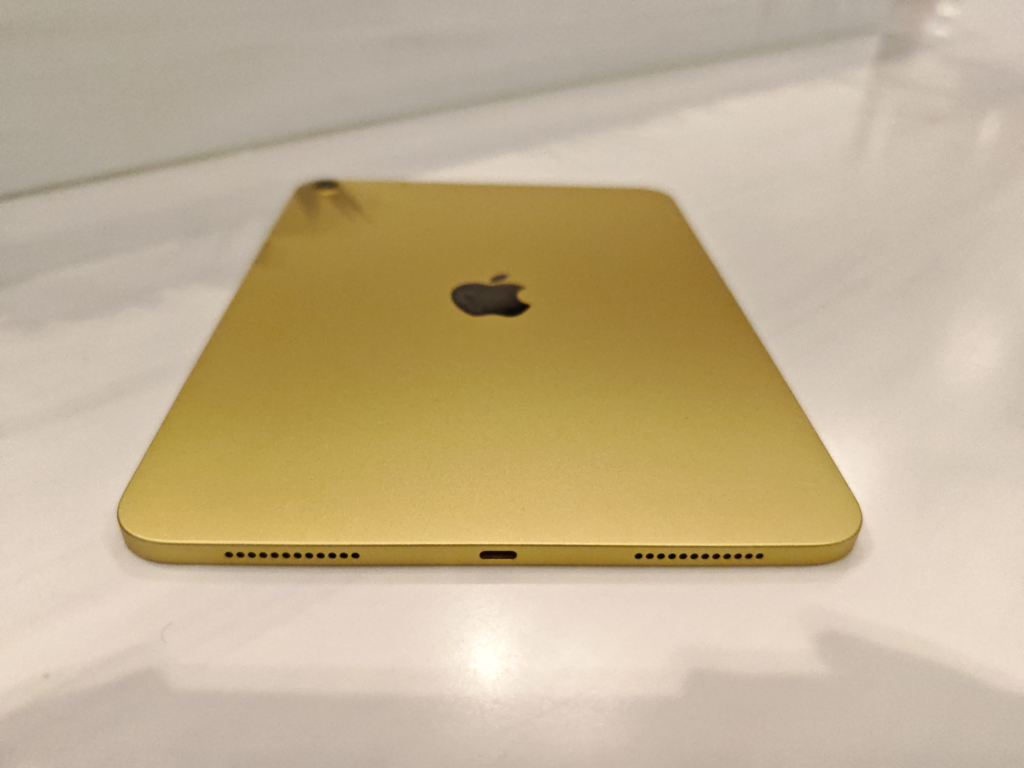
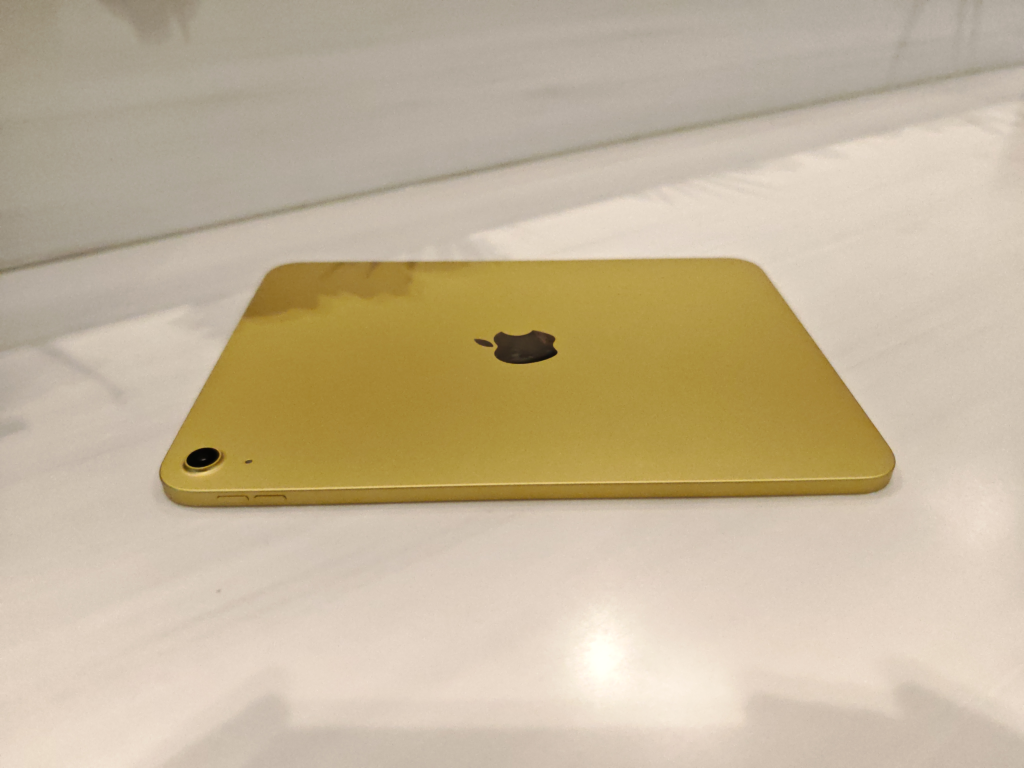
Loved that they had a little fun with the colors. I went with the Yellow|128GB|Wi-Fi. Cost me $499 $488 at Walmart.
Tech Specs
| Size | 248.6mm (9.79”) L x 179.5mm (7.07”) W x 7mm (0.28”) Thick. |
| Weight | 477 grams (1.05 lbs.) Wi-Fi models, 481 grams (1.06 lbs.) Wi-Fi + Cellular models. |
| Buttons and Connectors | Power button (Touch ID sensor), 4 stereo speaker grilles, volume up/down buttons, smart connector (for Apple accessories), USB-C port. |
| Display | 11-inch, IPS LCD panel, 60 Hz, 500 nits brightness, 264 ppi. |
| Chip | A16 Bionic, 5-core CPU, 4-core GPU. |
| Camera | 12MP Wide (Main) with f/1.8 aperture, 12MP Landscape (Front) with f/2.4 aperture. |
| Microphones | 2 mics (Front and Back, for video and audio) |
| Battery | 28.93 Wh (≈ 7600 mAh at 3.81 V), lithium-polymer. |
What’s in the Box?
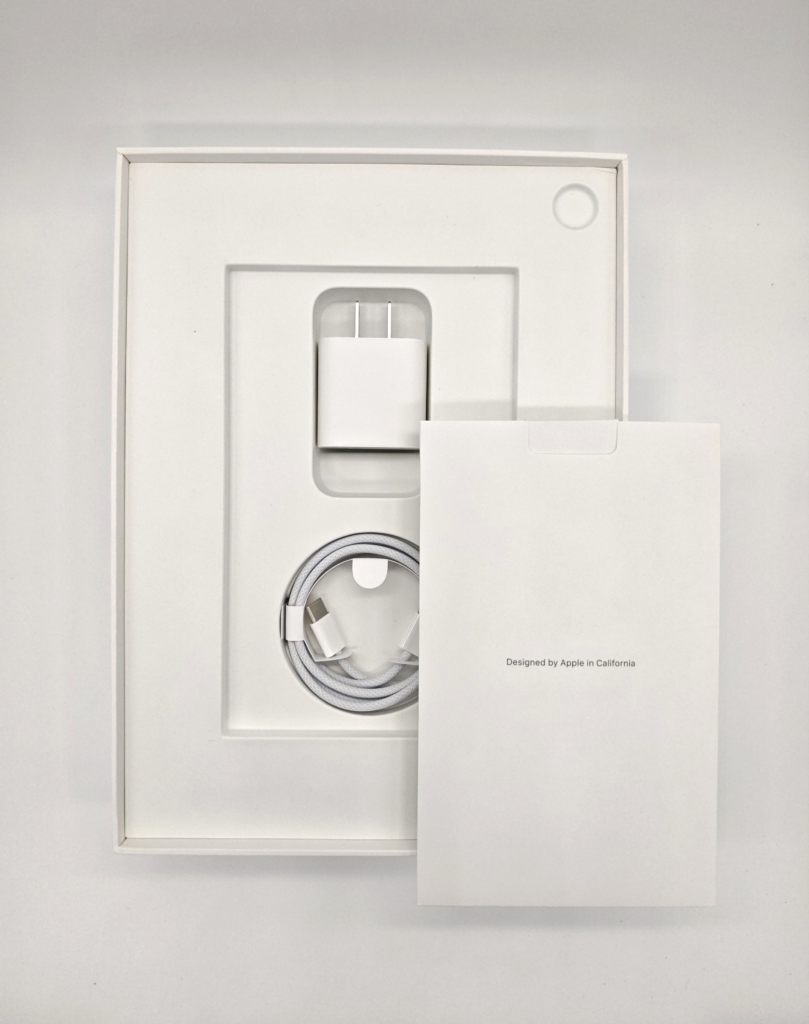
Not the bare minimum for sure, and that’s a compliment to the iPad A16.
Given that this is the Value end of the iPad lineup, a power adapter included is a definite delight.
Although, it doesn’t take away from the fact that it’s good to have all you need stuffed in the box – a case included.
But this will leave you bearing the cost for only a case (highly recommended if you won’t opt for AppleCare+).
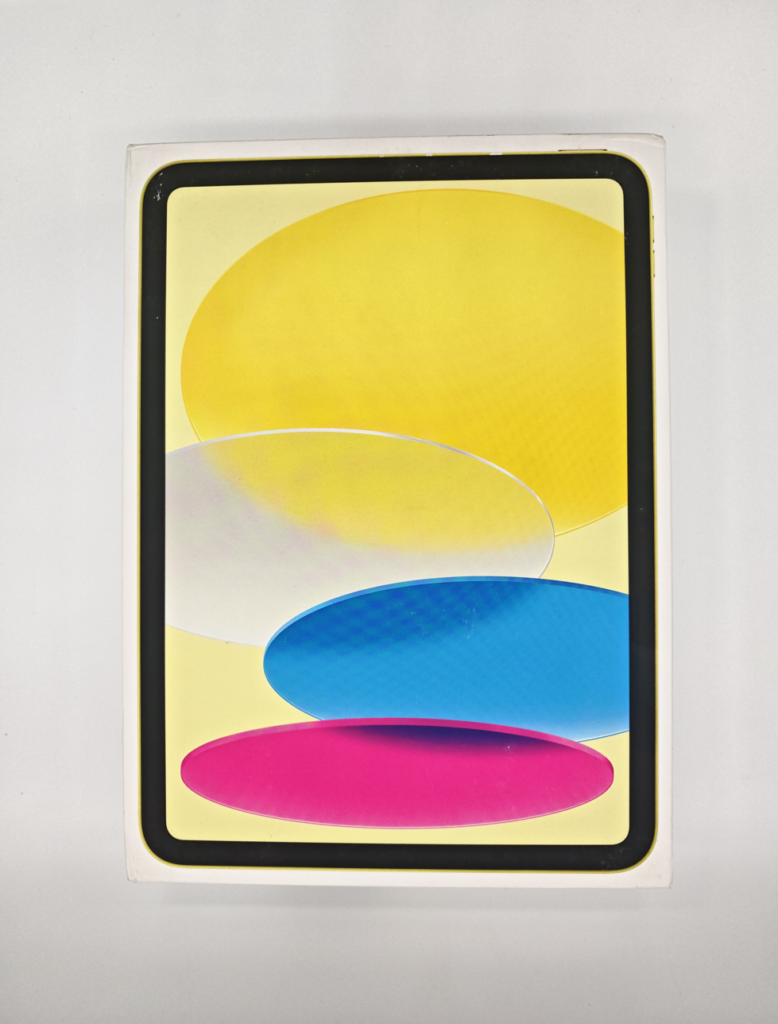
Alright then, let’s check out the box.
- iPad A16 x 1
- Apple 20W USB-C Power Adapter x 1
- USB-C Cable x 1 (Type C to Type C)
- Quick Start Guide x 1
First Impressions
Apple has pretty much set the pace when it comes to practical mobile device design language.
This has been the case arguably, since the inception of the iPhone, and it still shows on the iPad A16.
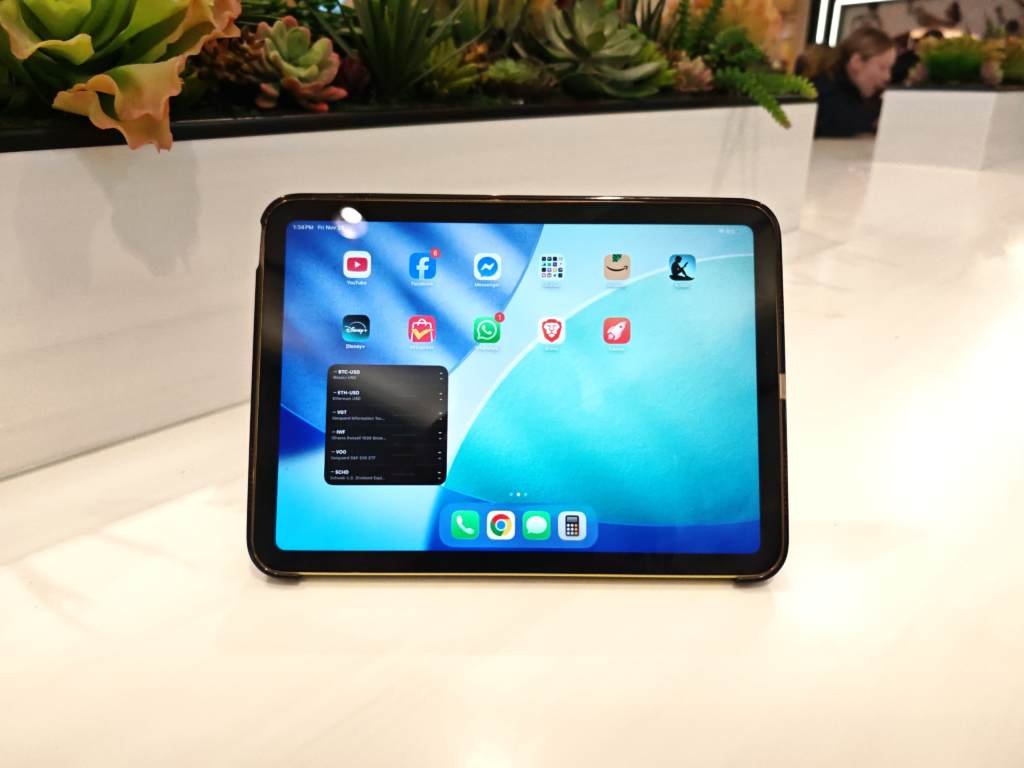
It’s slim, lightweight, smooth to the touch and easy to handle – thanks to the curved corners.
The iPad A16 is 7mm thick, built with aluminum in the chassis, and has a satin color-coated enclosure (expect minor fingerprinting).
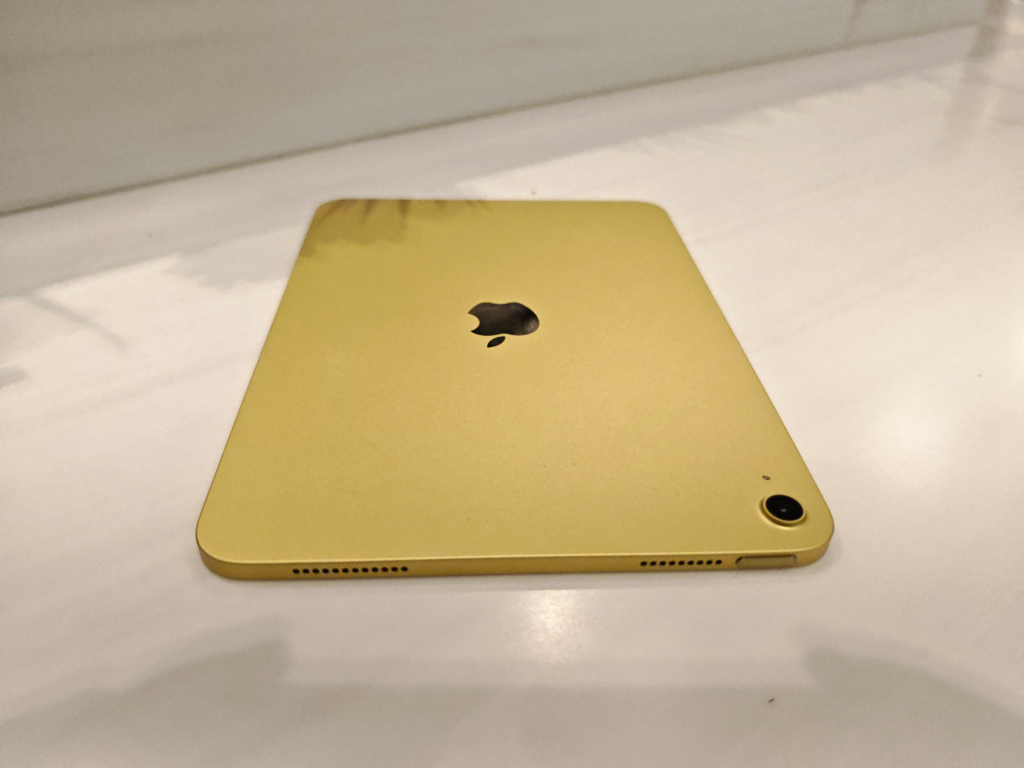
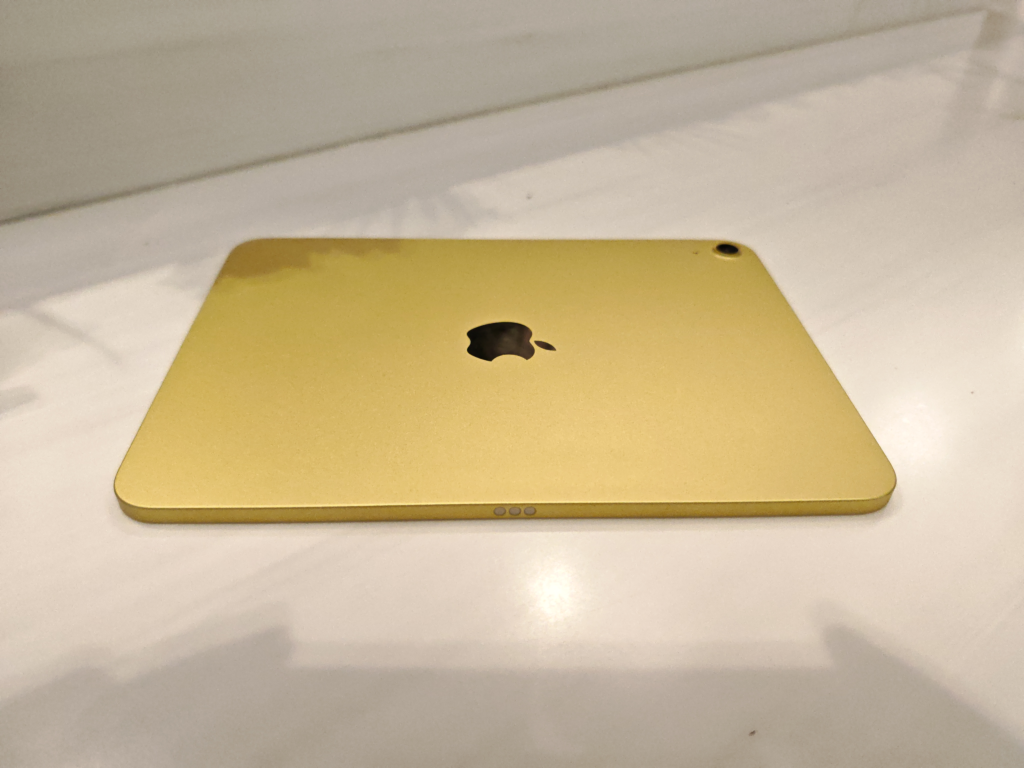
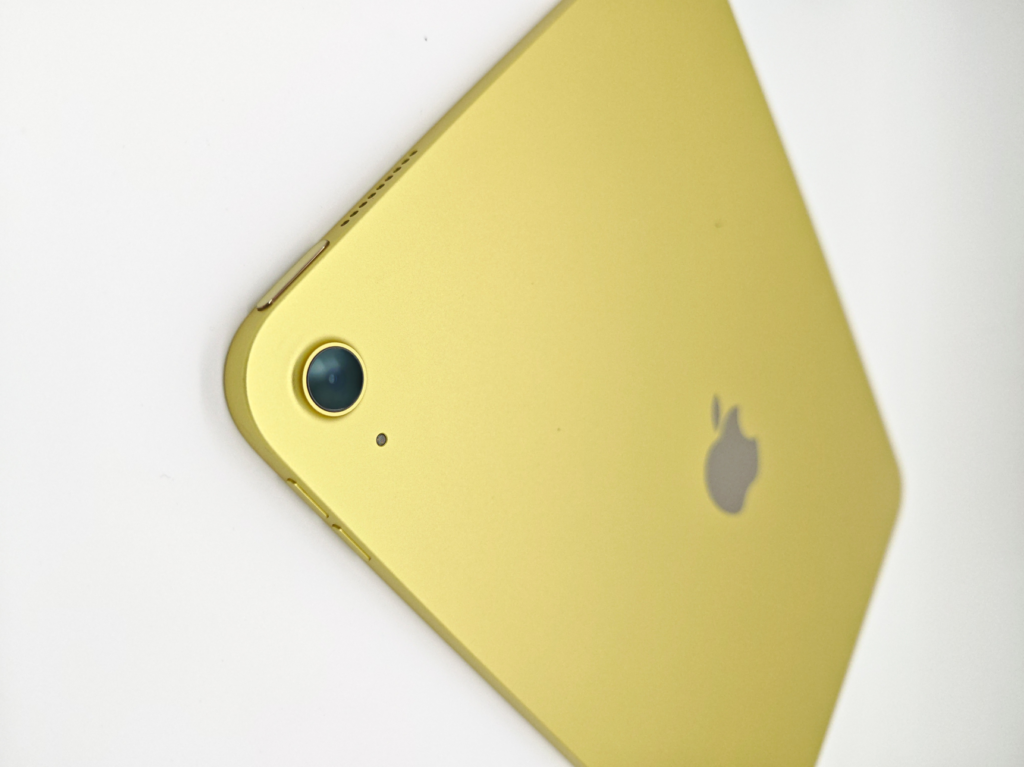
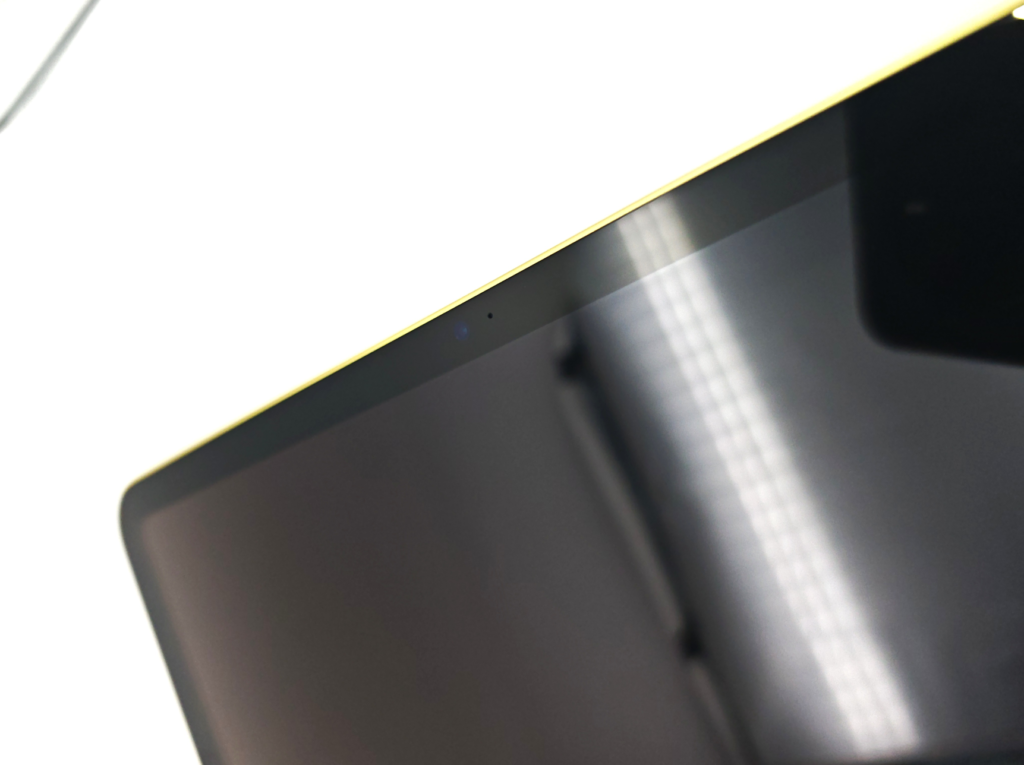
As “lovable” as that sounds, there will be a few compromises right out of the box.
- No antireflective or scratch-resistant coating on the cover glass
- No Apple Intelligence support
- No Face ID (Touch ID is standard)
Like realizing you bit into a sour plum, when in fact it looked ripe and sweet on the outside – be ready to fork out premiums if you are hoping for anything more than standard.
Display
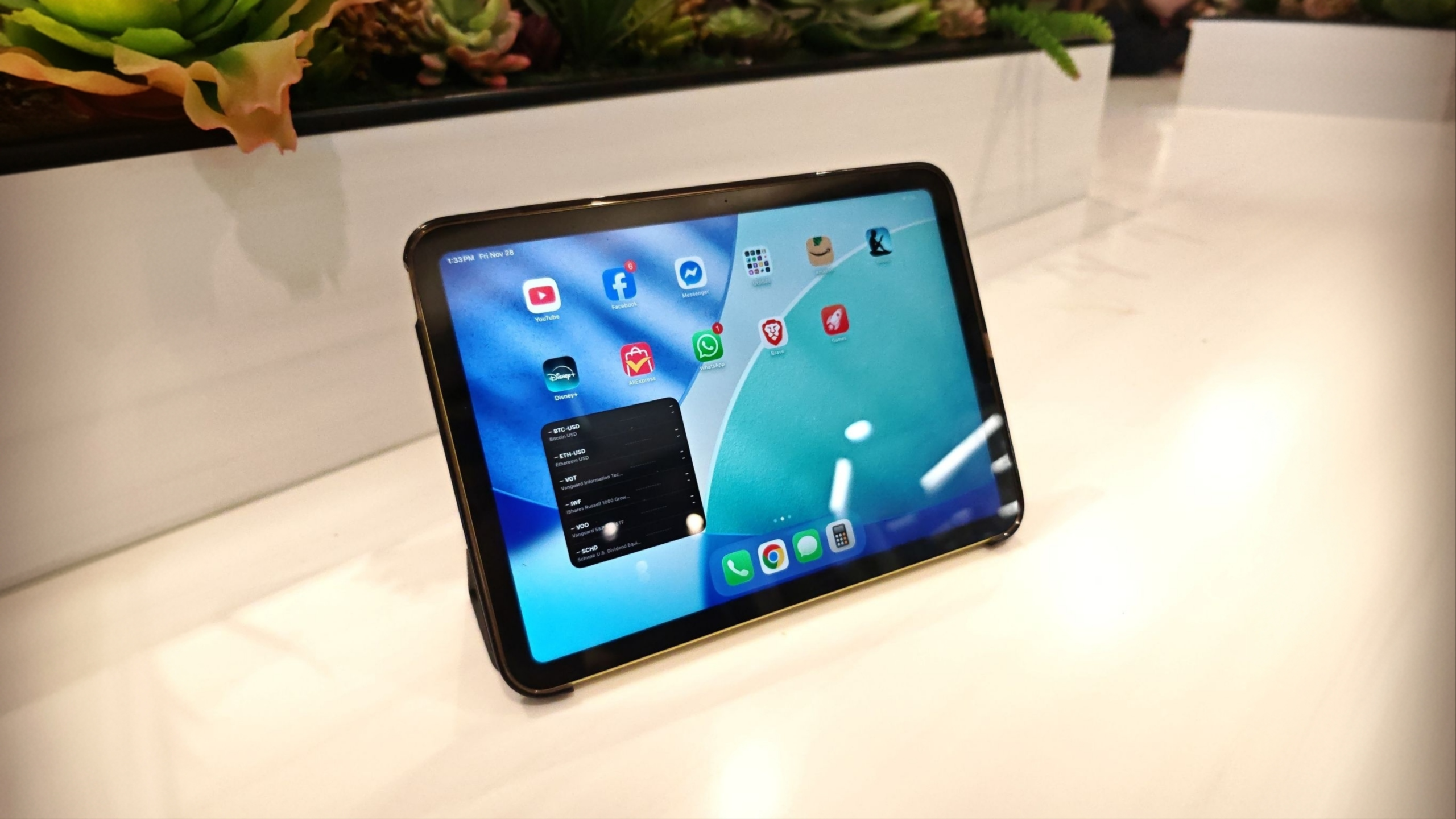
As you might have seen (if you checked out the Tech Specs), the iPad A16 sports an 11-inch IPS display.
Not superior in terms of image quality and color contrast. But counts when it comes to productivity tasks – is something I would say if I didn’t love vivid displays.
Bottom line – it gets the job done. From reading and web browsing to video content and multitasking.
The size of the iPad A16 screen makes it all work – indoors. The 500 nits brightness is barely sufficient for outdoor use.
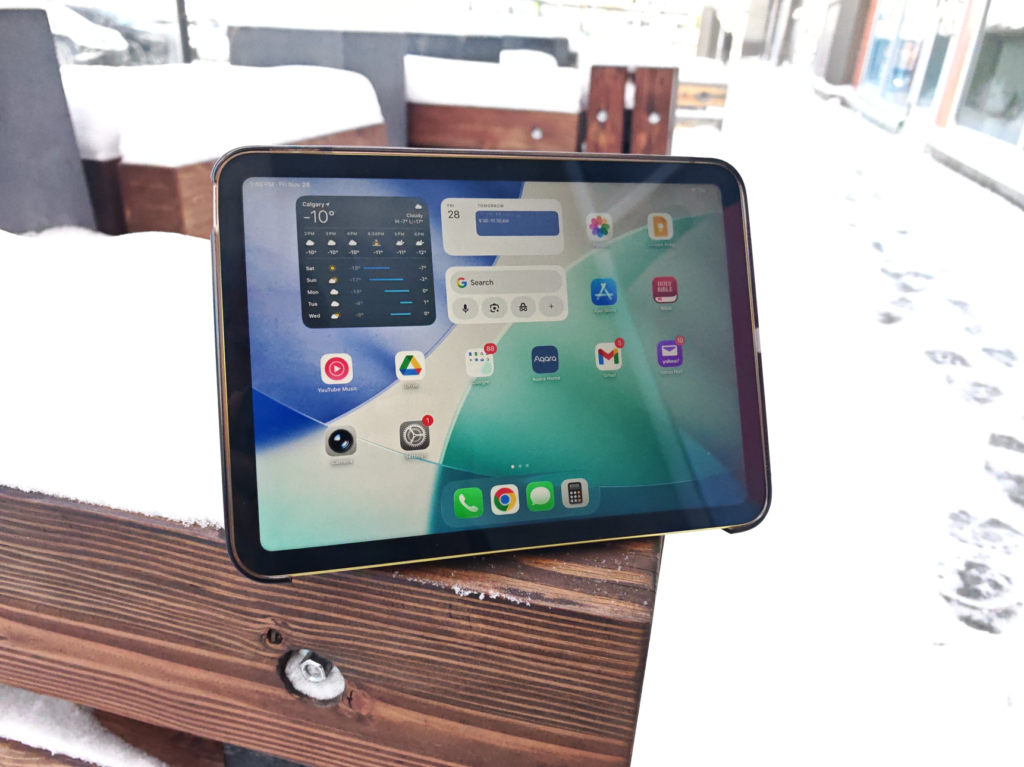
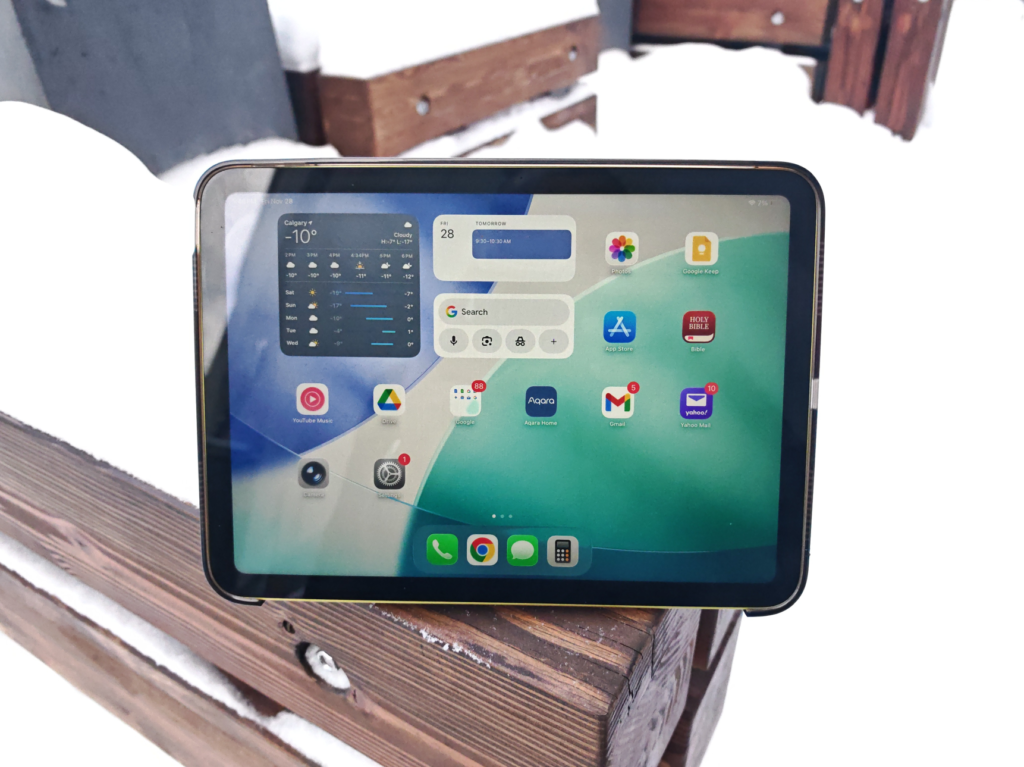
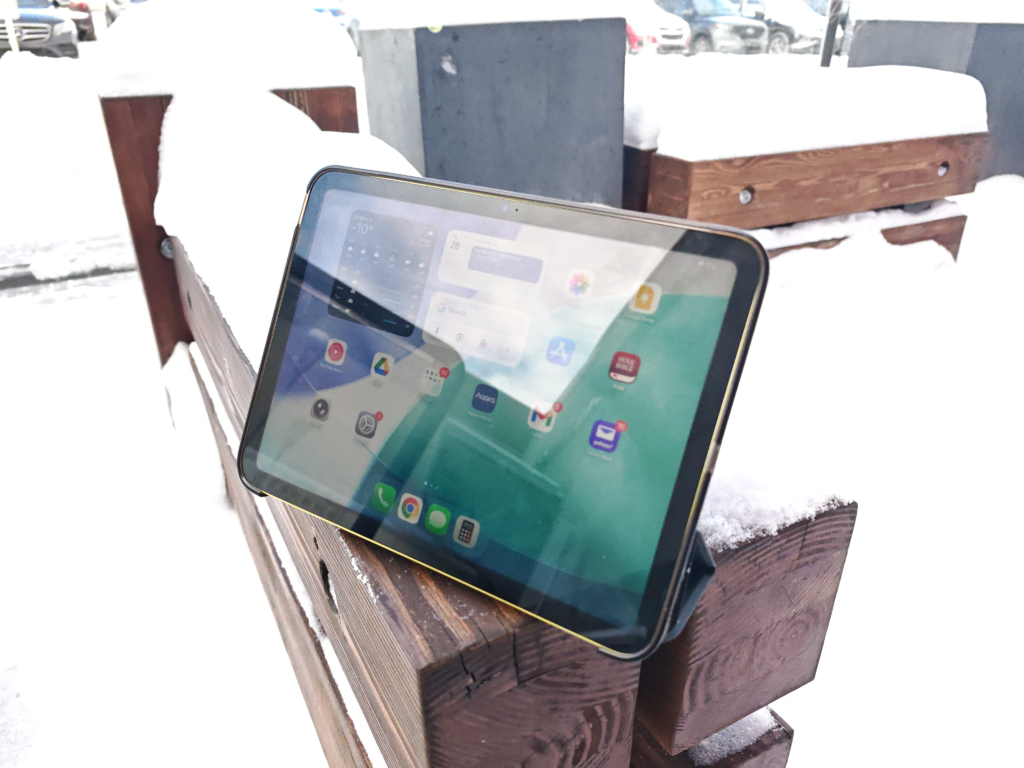
And the lack of an anti-glare coating to supplement its luminance makes matters worse. Effectively compromising viewing angles and outdoor clarity.
The bezels are thicker than the device itself, measuring approximately 9.5mm (0.37”).
For some perspective, that’s about 17% of the front real estate all-round, lost to the bezels.
The iPad A16 is definitely easy on the eyes but the display could use some more magic.
Performance and iPadOS 18 26
Based on the position of the iPad A16 in the lineup, the A16 Bionic chip performs relatively well.
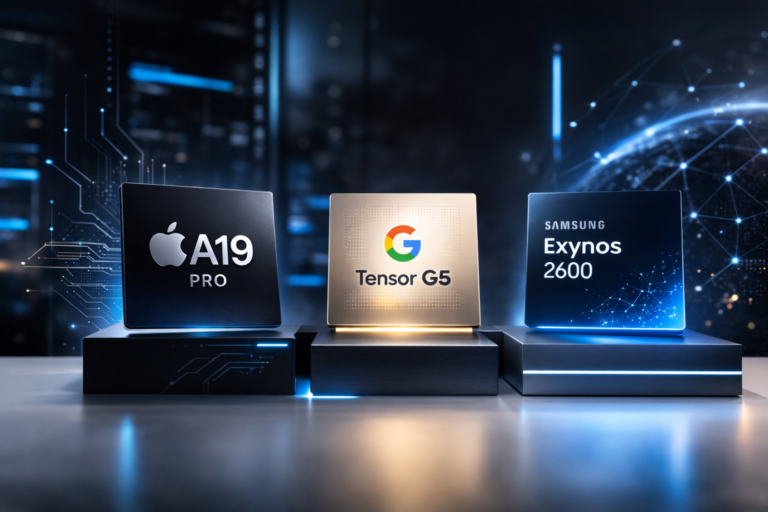
We see up to 63% better overall performance scores when compared to the Exynos and Dimensity options from other value-focused tablets.
Coming from the previous iPad’s 4 GB, the 6 GB RAM on the iPad A16 will mean snappier responses for daily tasks.

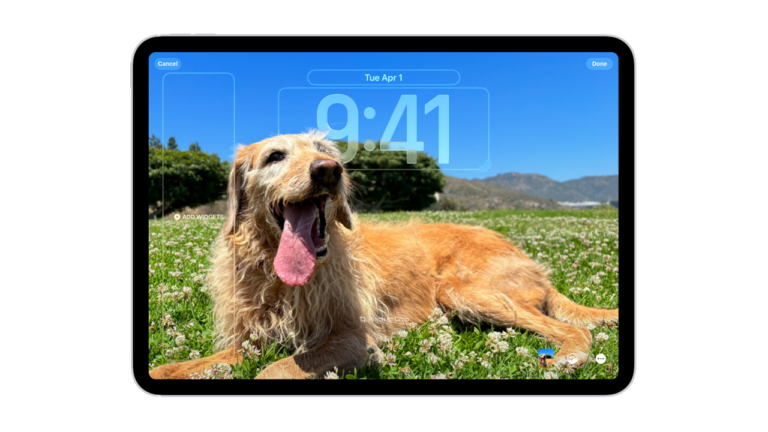
Thankfully, the 11th gen iPad is also compatible with the latest operating system – iPadOS 26.
It ships with iPadOS 18, but you get the chance to update the OS during setup. The highlights of the new OS include.
- A new UI – Apple calls it “Liquid Glass”
- Improved multitasking with better window flexibility
- Live translation in messages
- Enhanced productivity through increased files, folders, and apps capabilities
Since you’ll miss Apple Intelligence features right out of the box, it’s great to have these tweaks on deck.
Plus, it helps to know that AI alternatives like Gemini and ChatGPT are just one click away.
For artsy folks, and the ones that live for handwritten notes, the iPad A16 has Apple Pencil support (1st gen – not USB-C).
Don’t mind taking a bigger hit to your wallet for a better typing experience? – you could level up with the Keyboard Folio case.
Cameras
I think we can agree that no one’s getting the iPad A16 for the cameras, or any tablet for that matter.
But on the occasion that you need to take a video call or capture a moment in time, better to have them and not need them, than the other way round.
So, what do we have on board? – a 12MP Main and a 12MP Front – that’s it.
However, there are a few key differences on the iPad A16 cameras.
Photos (Front vs Main)
- No zoom on the front camera. There’s 5x digital zoom on the Main.
- f/2.4 aperture in the front. f/1.8 aperture on the Main.
- No autofocus on the front camera. The Main uses legacy Focus Pixels for autofocus.
- No Panorama on the front camera (expected). There’s Panorama (up to 63MP) on the Main.
Videos (Front vs Main)
There’s not a lot that’s different when it comes to videos. The main point is that the Front is capped at HD (1080p) up to 60 fps. The Main is capable of up to 4K video at 60 fps.
Both cameras, in Apple fashion, are good for capturing quick videos. If you will shoot in 4K, the standard 128 GB memory will fill up pretty quickly.
Let’s check out some photo samples from main camera.

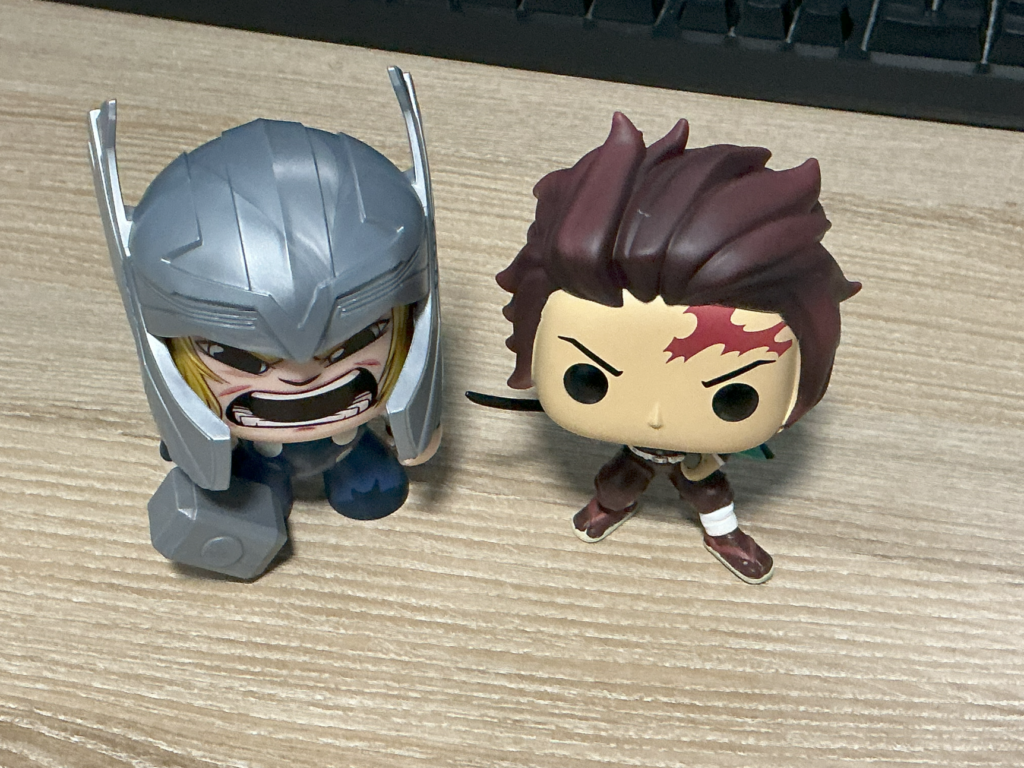




What do you think? Want better images? You’ll need a smartphone.
Battery
Apple has stuffed a 28.93Wh battery into the iPad A16.
According to Apple, that’s up to 10 hours of screen time from typical use (surfing the web or watching videos on Wi‐F).
That’s just a tad larger than the 10th gen’s 28.6Wh capacity, which also promised 10 hours of screen time.
Not sure if that was intentional but I’m not going to say no to a 2% increase – I’ll take what I can get.
Compared to Apple’s 20W adapter, I was able to get much faster charge speeds using my Ugreen 45W and LG Gram 65W chargers.

So, it might be safe to say that the iPad A16 supports a charging input of more than 20W. But I will have to run some tests to confirm rundown times and charge speeds.
No battery anxiety here though, as iPads are generally known to handle typical use scenarios without worries.
If you are a power user seeking more screen time, you might be out of luck. No device in the 2025 lineup offers more than 10 hours from typical use.
Early Takeaways
The iPad has come a long way.
The standard iPad now plays a new role – the Value option – a fraction of what it was poised to be.
And what once was a one-stop-shop for a revolutionary experience at an unbelievable price, is now segmented.
With access restricted behind tiers and premiums.
If you are coming from the 10th gen, you will benefit from enhanced performance and memory options. Apart from the “newer” chip, everything else seems marginally incremental.
If you are new to Apple tablets, the iPad A16 is a great place to start in 2025. Especially if you are a typical user.
The iPad A16 has a price that contends well for the specs. To love it, you will need to curb your appetite.
Have any thoughts or feature test requests on the iPad A16? Let me know in the comments.